
EventPass for competitors
Show paperwork, handled before you load the trailer.
Upload your horse health documents once. We verify them, remind you before anything expires, and you scan in at the show.
Official Verified Horse Health Records Provider of USEFUnlimited users · iOS and Android
Venues accepting EventPass
Show at these venues with one scan


















horses verified on EventPass
weeks of horse shows use EventPass
to approve 95% of documents
notice before a document expires
How it works
Less paperwork. Easier show arrivals.
Getting started with EventPass takes just six steps. Once you’re set up, keeping your horses ready for their next show is simple.
 01
Create your account
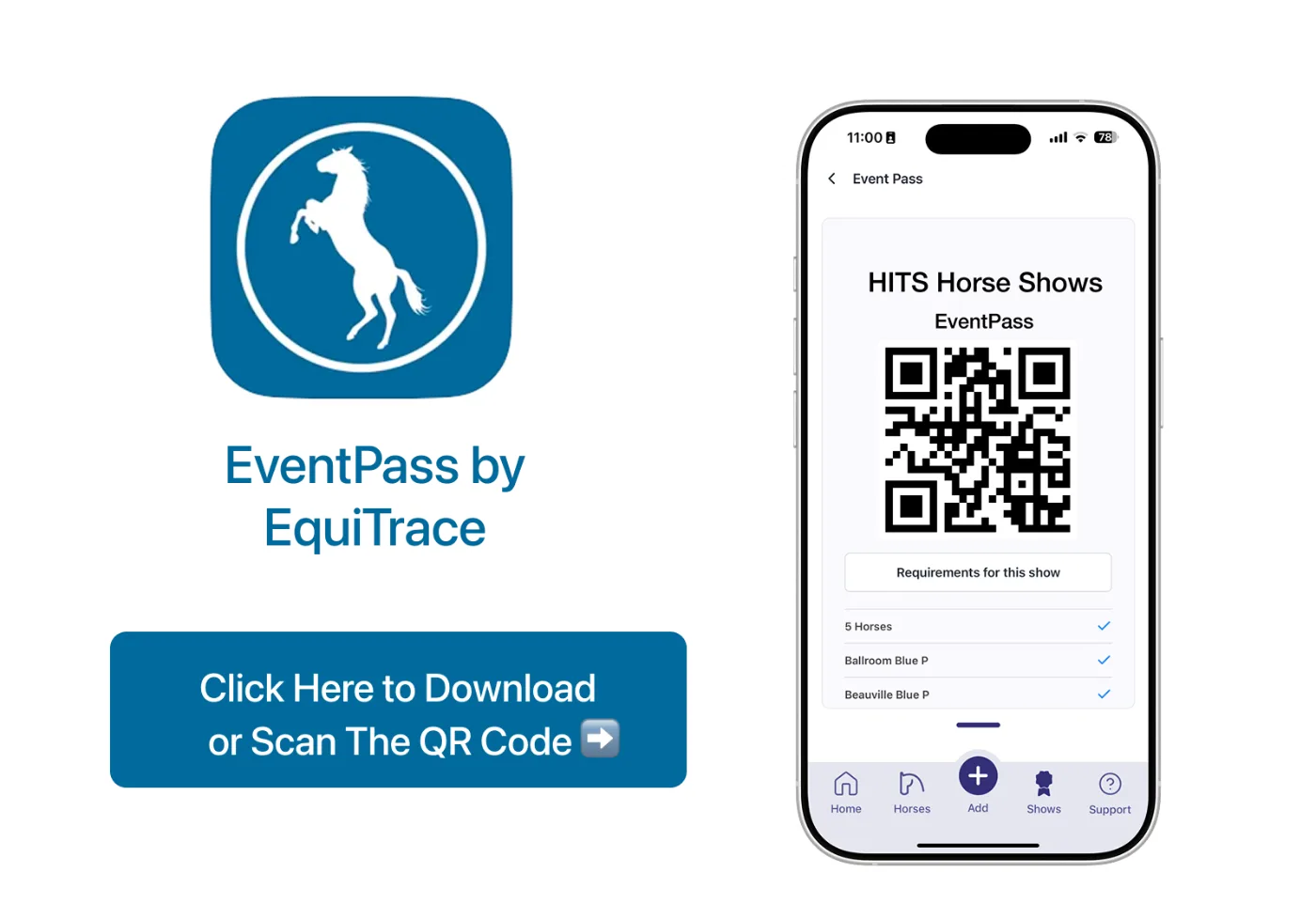
Create your account on the website first, then download the EventPass app for iOS or Android. It works on phones and tablets.
 02
Add your horses
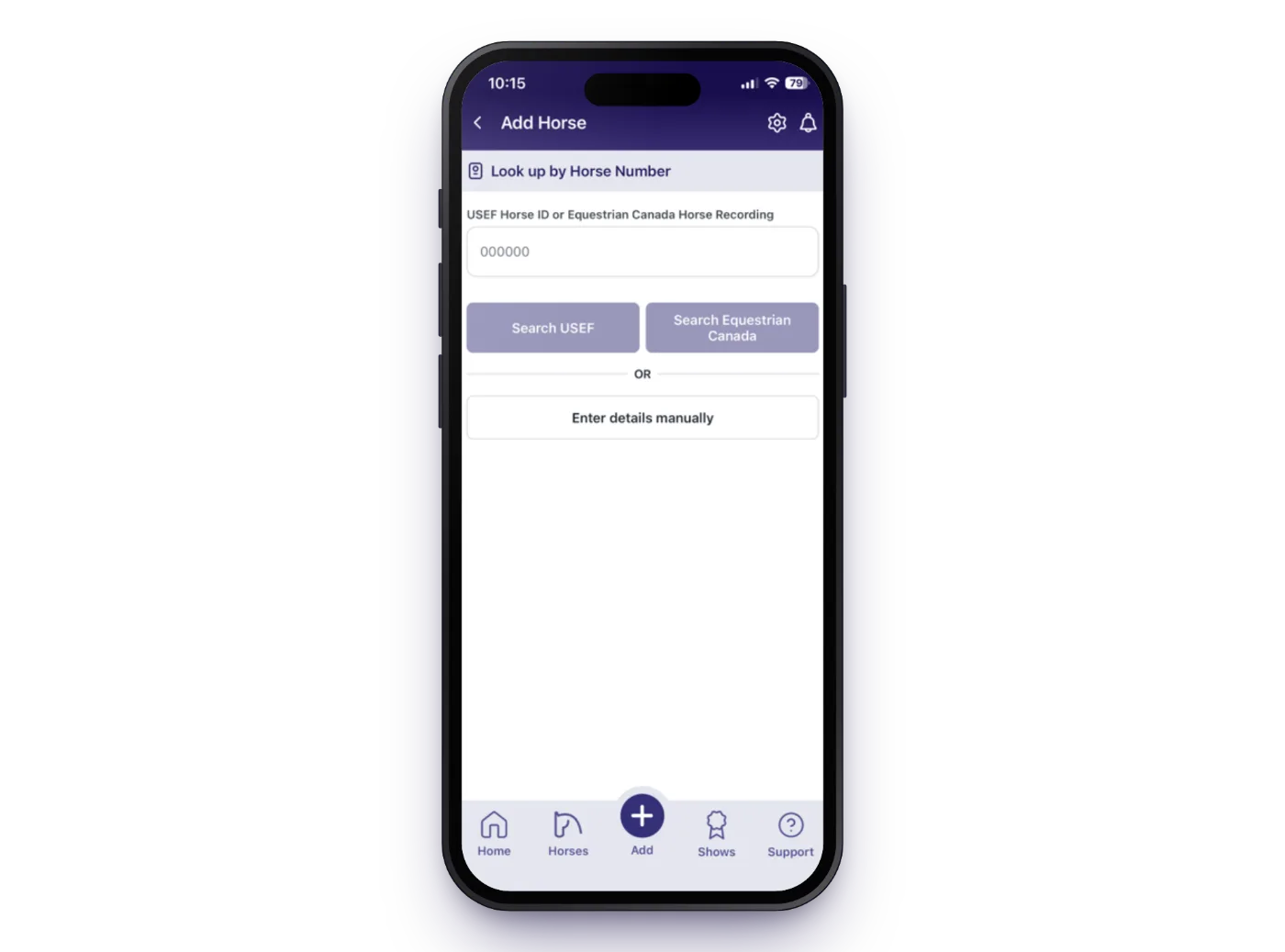
Import horses straight from your USEF account, search by USEF or Equestrian Canada number for client horses, or add them manually.
Tip: add each horse’s barn name to its profile too, so documents that use a barn name are still matched.
 03
Upload documents once
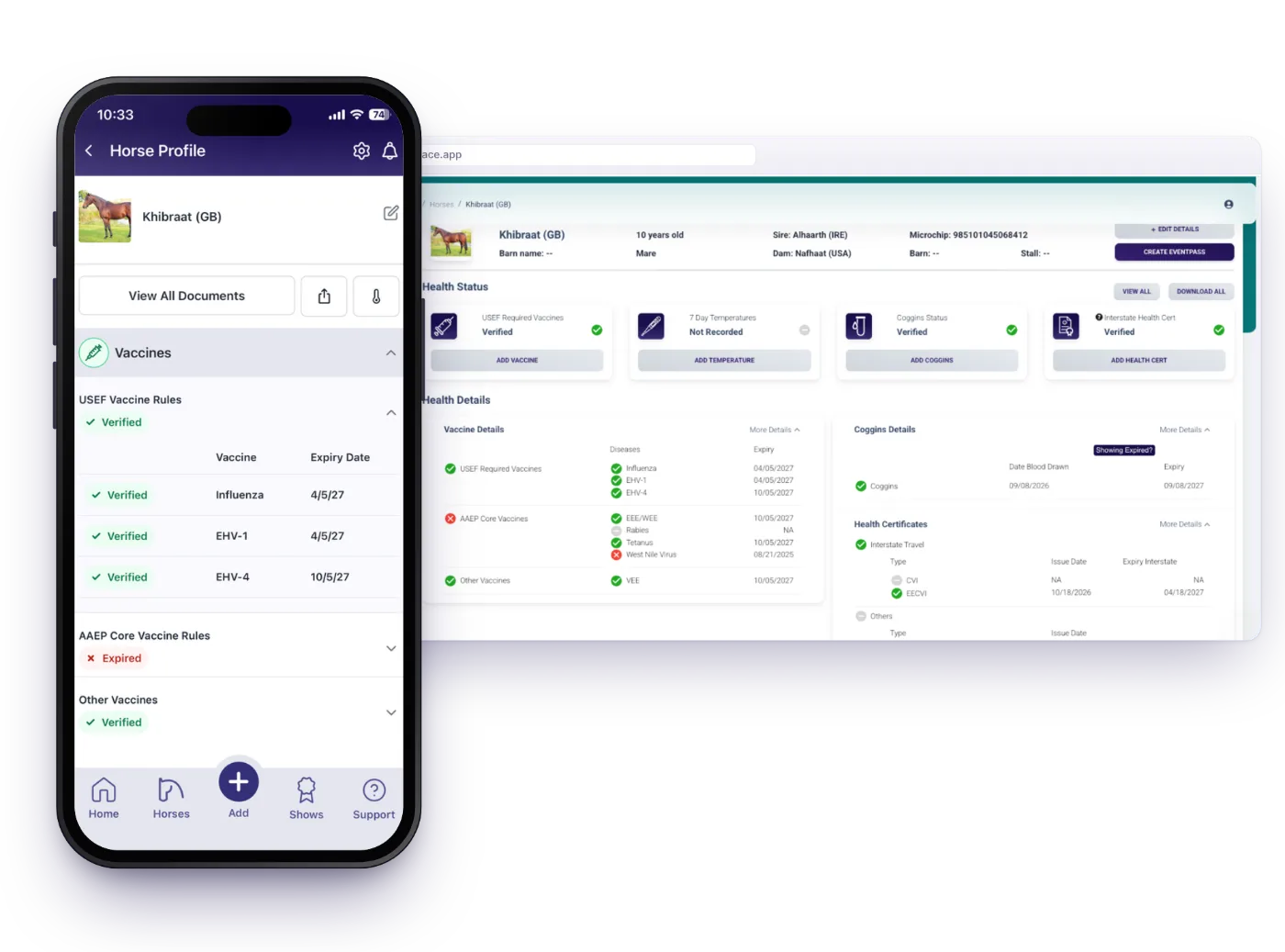
Upload a Coggins for each horse. For vaccines you can use a vet invoice, USEF vaccination record, passport or vet letter. If a vaccine record or health certificate lists several horses, select them all and upload it once.
Self-administered vaccines? See what to submit →
 04
Get verified
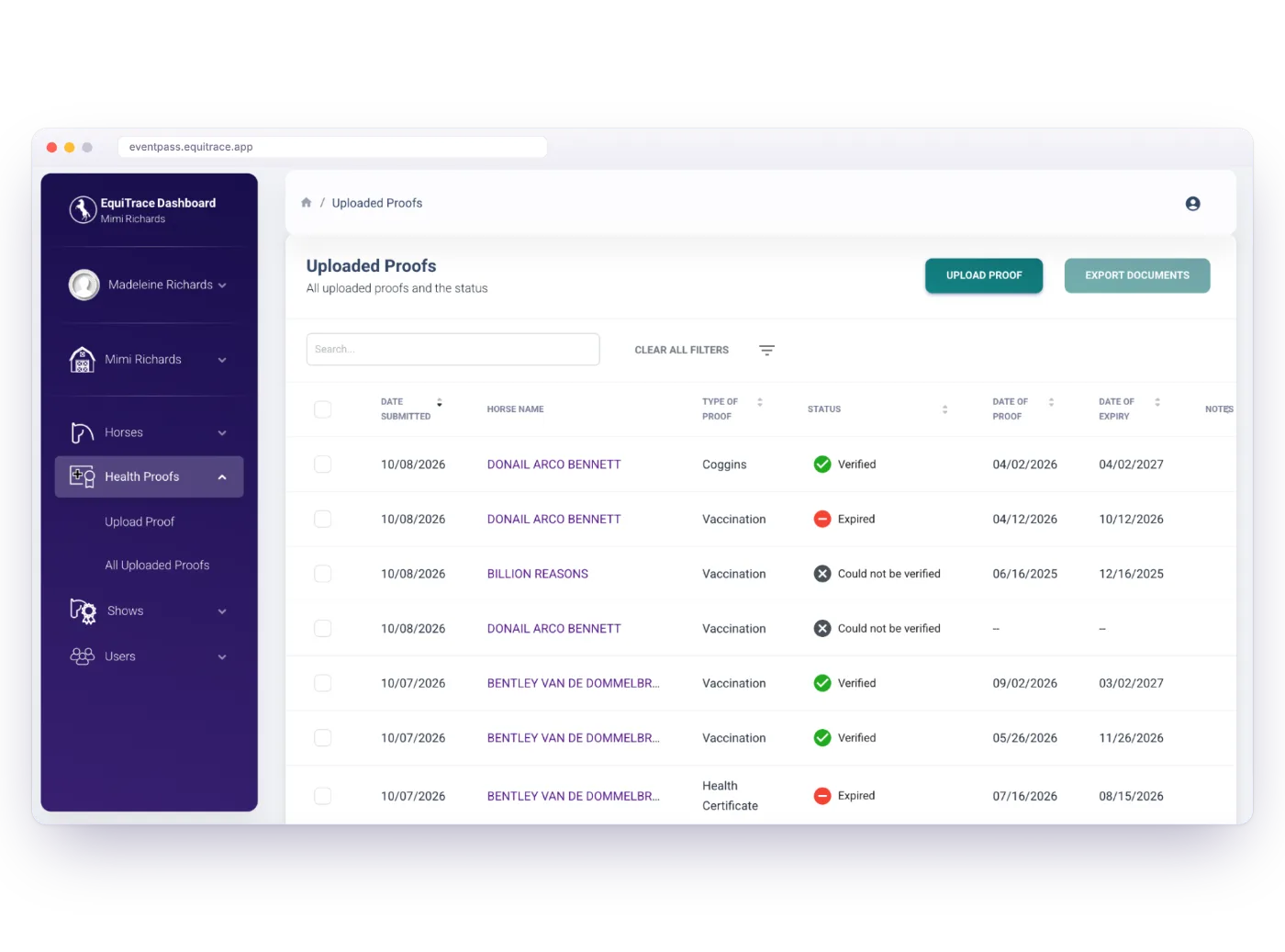
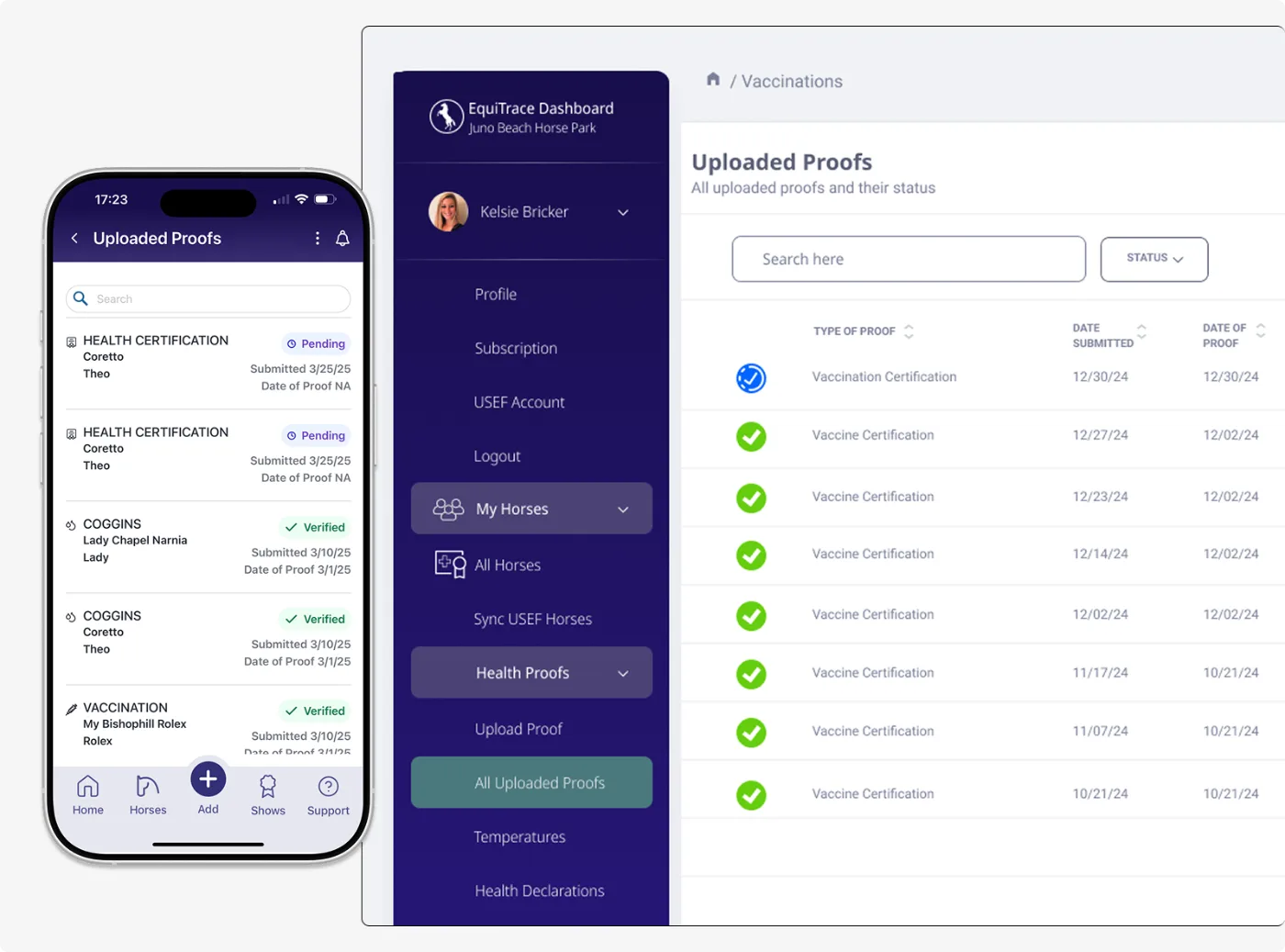
Many documents are verified within minutes. Anything our AI flags is checked by our veterinary or technical team, and you always see the reason if something is rejected.
Check progress any time under “Uploaded Proofs”.
 05
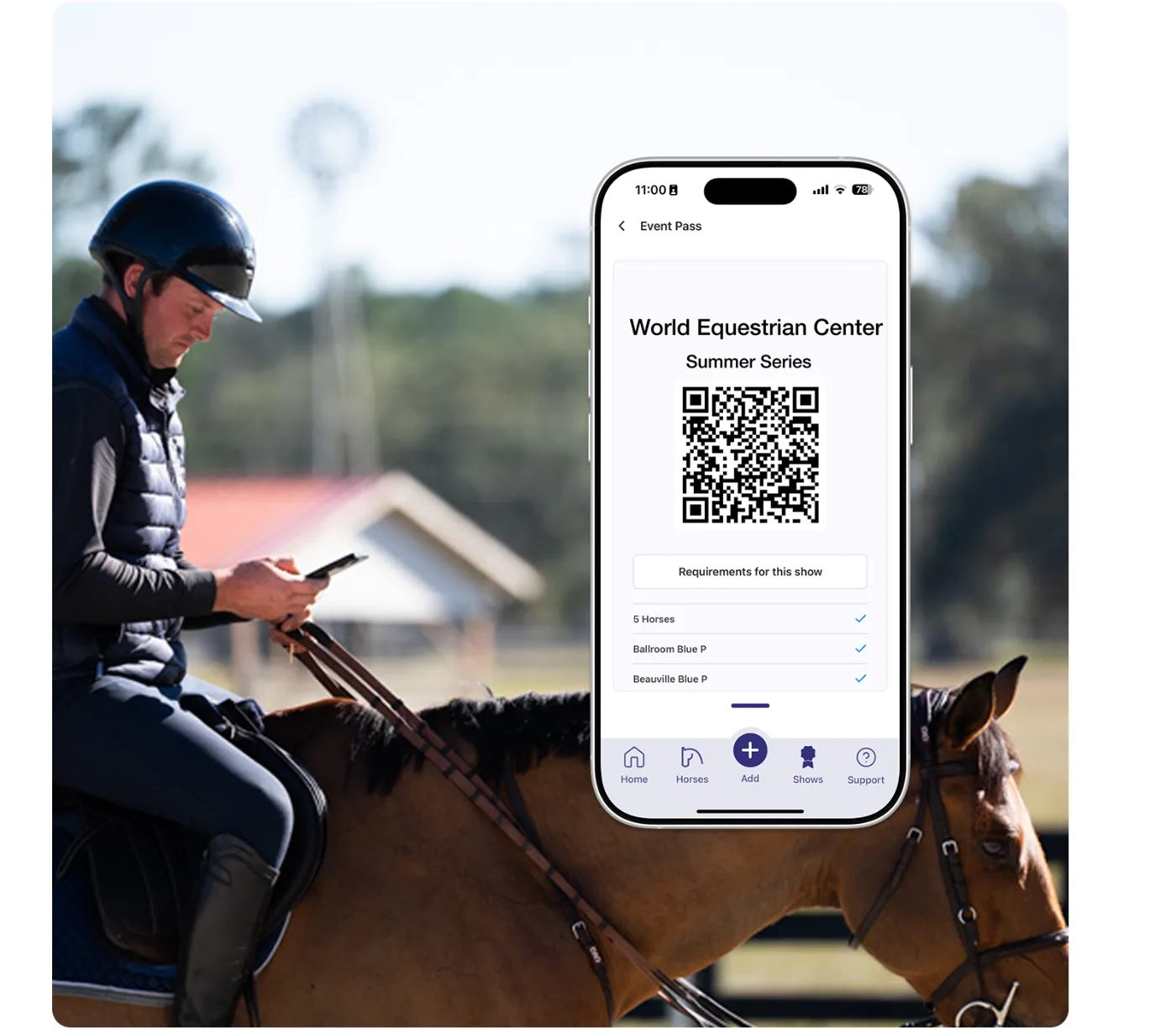
Create your EventPass
Select the show, your horses and your arrival dates, then e-sign the health declaration when it opens. One pass can cover several horses.
You can change arrival dates in the app or on the website until your EventPass is complete.
 06
Scan in at the show
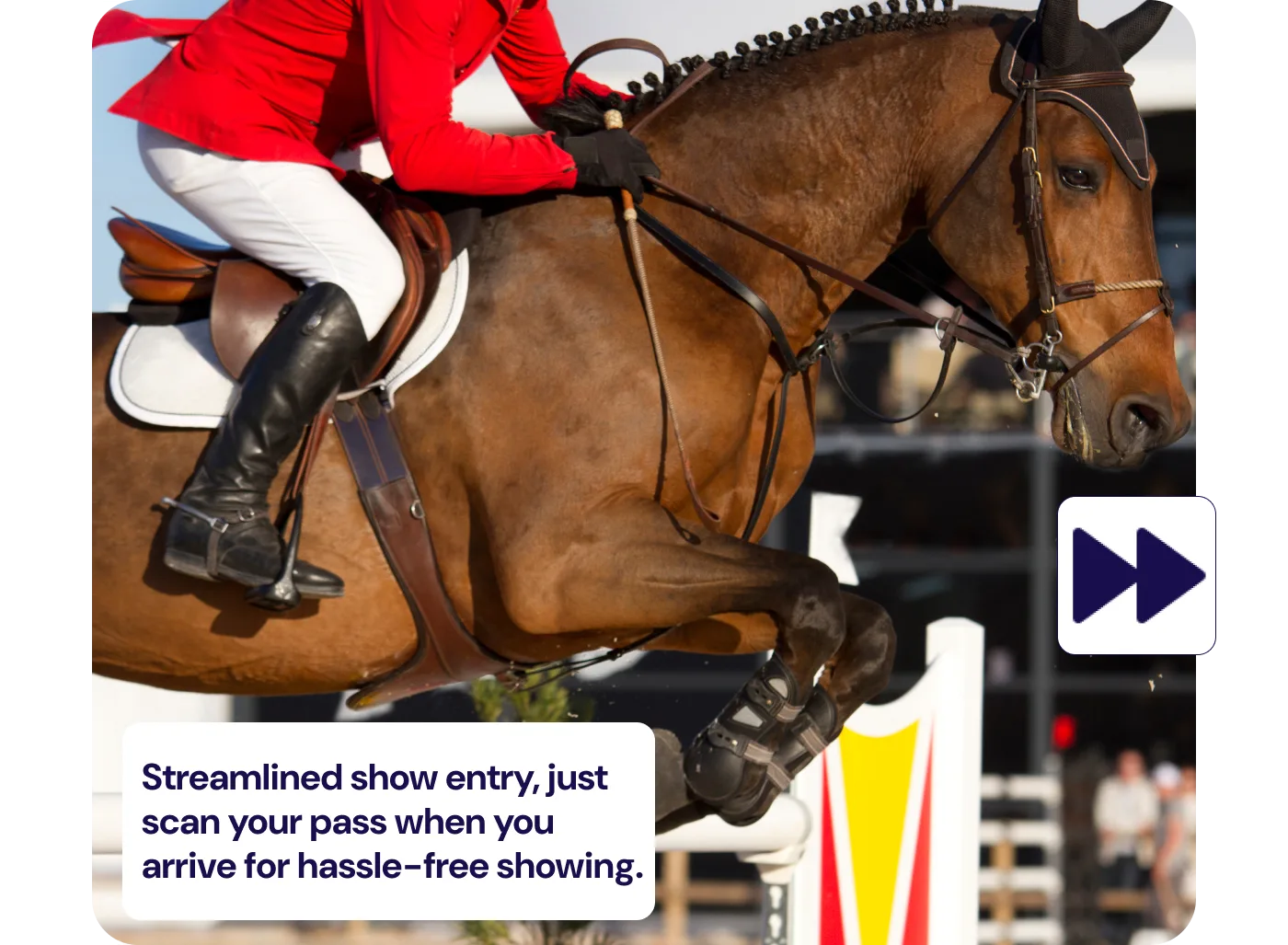
Show your pass on arrival and the show office scans it. No paperwork, no queue, and on to the stables.
Verification
Verified by AI. Checked by people when it matters.
A blurry photo or an unusual vet letter shouldn’t cost you a show. Our AI reads every document in minutes, and our team steps in whenever it isn’t sure.
Every document read by AIChecked against veterinary rules and each show’s requirements.
Human review when flaggedOur veterinary or technical team reviews anything the AI flags.
Your data stays in the EUGDPR and US state privacy compliant.
Riders and trainers
Hear it from the horse’s mouth
“EventPass has made it easy to organize all of our horses’ paperwork into one streamlined service that makes it simple to keep track of expiration dates and know exactly what paperwork is needed to get into each show.”
“EventPass gives me peace of mind knowing all of my documents are correct before arriving at the horse show. I don’t have to worry about an expired Coggins or vaccines, the app does the hard work for me!”
“It’s so nice having EventPass. We just show our pass instead of shuffling through documents. One quick scan and we can make sure our horses are taken care of faster after a long haul.”
Trusted by leading farms, equine hospitals and federations







For show organizers
Running a horse show? Discover how EventPass can help your show.
Set your health requirements once, collect online health declarations and let competitors arrive with every document already verified. Your staff simply scan them in at the gate.
How does EventPass verify my documents?
Every document you upload is read by AI that checks it against veterinary rules: dates, vaccine types, the horse it belongs to and whether it meets the show’s requirements.
If the AI flags anything, such as a blurry photo, an unusual vet letter or a date it can’t read, the document is passed to our veterinary or technical team for human review.
How long does verification take?
Most documents are verified within a few minutes. Documents that need human review can take longer, up to 8 hours, so we recommend uploading well before you travel.
Clear photos or PDFs that show the whole document are always quickest.
Which documents can I upload?
Coggins (EIA) tests, vaccination records and health certificates (CVIs). For vaccines we accept vet invoices, USEF records, passports and letters from your vet. Each Coggins is uploaded to its own horse, and a document that covers several horses only needs uploading once.
What do I submit if I self-vaccinate my horse?
Upload our completed self-administered vaccine form together with your receipt of purchase for the vaccine. The form must show the horse’s name (matching its USEF or EC record, show name or barn name), the vaccine given, a vaccination date within the 6-month requirement, the lot and batch number, and the owner or agent’s signature and date.
Download the self-administered vaccine form (PDF) from our help centre.
What happens if a document is rejected?
You’ll see exactly why, for example an unreadable photo, an outdated vaccine or a missing horse name, so you can fix it and upload again. Adding barn names to imported horses helps avoid mismatches.
Will I be reminded before something expires?
Yes. EventPass sends an email and app notification 14 days before any Coggins, vaccine or health certificate expires, so you can book your vet in good time instead of paying for a last-minute visit.
How many horses and users can I have?
As many as you need. Every account has unlimited users, so trainers, grooms and owners can share one account, and plans are billed per active horse. See plans and pricing.
Which shows accept EventPass?
EventPass is used at venues including World Equestrian Center, HITS Horse Shows, Desert International Horse Park and Wellington International, and EquiTrace is the Official Verified Horse Health Records Provider of USEF. Your pass shows each show’s exact requirements. Compare requirements by venue.
Where is my data stored?
Your data is stored in the EU. EquiTrace complies with GDPR and US state privacy laws, and only you and the shows you create a pass for can see your horses’ documents.
Ready for your next show?
Click to sign up today
Set up your horses in an evening and arrive at your next show with every document verified.
Create free account →